Every store,earning what it should.
Each GM gets the fix for their store by 7:00 AM.Your brief shows what it’s worth and who has it.
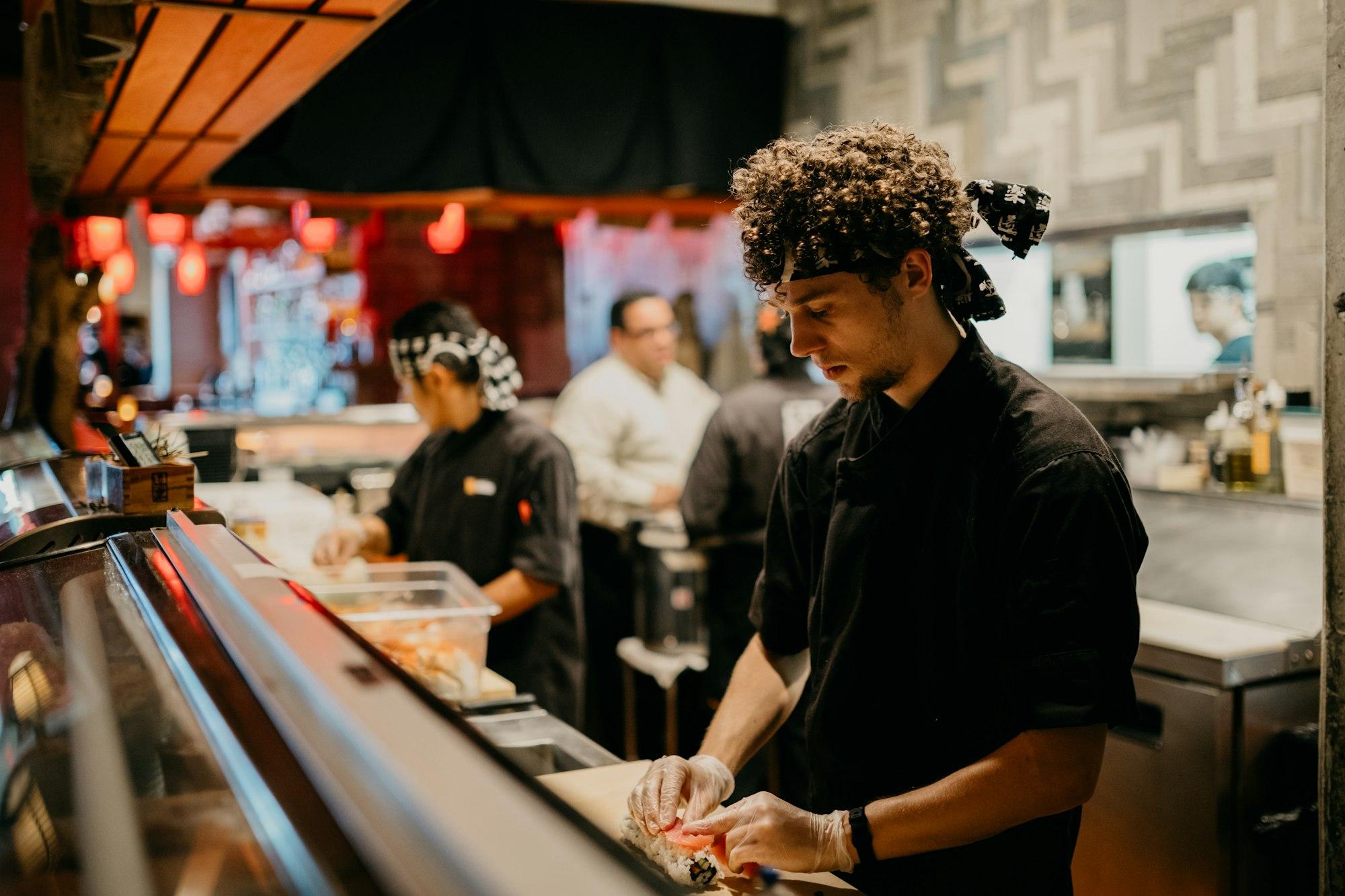
Every store covered.Nobody chasing reports.
Your GMs get the lever.You get the whole picture.

Each GM hears about their store.
By text or email, with no app and no login. They reply DONE, LATER or WRONG from the floor.
See where every lever went.
Your brief lists each store’s lever and who it was sent to, so follow-up happens in one place.
Know which store to visit.
Each store sits against the middle of your portfolio on sales, hourly labor, ticket, orders, rating and waste.
Stop chasing stores.Start with the answer.
Your GMs hear about their store.You hear about all of them.
 AI COO
Today: Calling each store to find out how yesterday went.
With AI COO: Every store’s lever in one brief before you leave the house.
Today: Forwarding reports to GMs who never open them.
With AI COO: Each GM gets their own store’s lever by text, with no app to learn.
Today: Guessing which store needs a visit this week.
With AI COO: Each store placed against the middle of your portfolio, on six signals.
Today: A group text where every store’s problem is everyone’s noise.
With AI COO: One lever per store, sent to that store’s GM, named in your copy.
Three stepsto your first brief.
Keep each store’s existing POS.Give each GM their lever and yourself the full picture.
- 01
Connect each store
Bring each store’s sales and labor into one portfolio view.
- 02
Confirm stores and GMs
Confirm your locations and assign a GM to each store.
- 03
Set delivery for each store
Each GM gets their store’s lever. You get the portfolio brief.





Multi-unit operators FAQs
The owner gets one brief covering their stores, while each GM receives only the lever for their own store. The brief names what changed, what to do next, and where the lever went. Store comparisons help you decide which locations need a closer look.
Store connections are mapped per location, so you can use supported POS systems across the portfolio. Square, Toast, and PAR Brink are available today. Confirm each source’s store mapping during setup; an unsupported POS cannot contribute data yet.
No. GMs are delivery contacts assigned to stores. Each confirms their email and separately opts into SMS, then receives and replies to store levers without logging in. A GM can cover more than one location.
The owner’s brief follows their configured time zone. Each GM’s lever follows the store’s time zone, with 7:00 AM as the default morning schedule. A portfolio spanning Mountain and Pacific time does not need to send every GM on the owner’s clock.
The store’s lever remains visible to the owner. A GM can text their away dates, and the owner’s brief identifies the coverage gap. Add or update GM contacts on the store roster when responsibility changes.
Yes. Access follows store ownership and corporate brand assignments. Benchmarks uses the stores you can see within the brand. Franchise owners cannot browse another franchisee’s stores simply because they share a brand.